The Short Answer
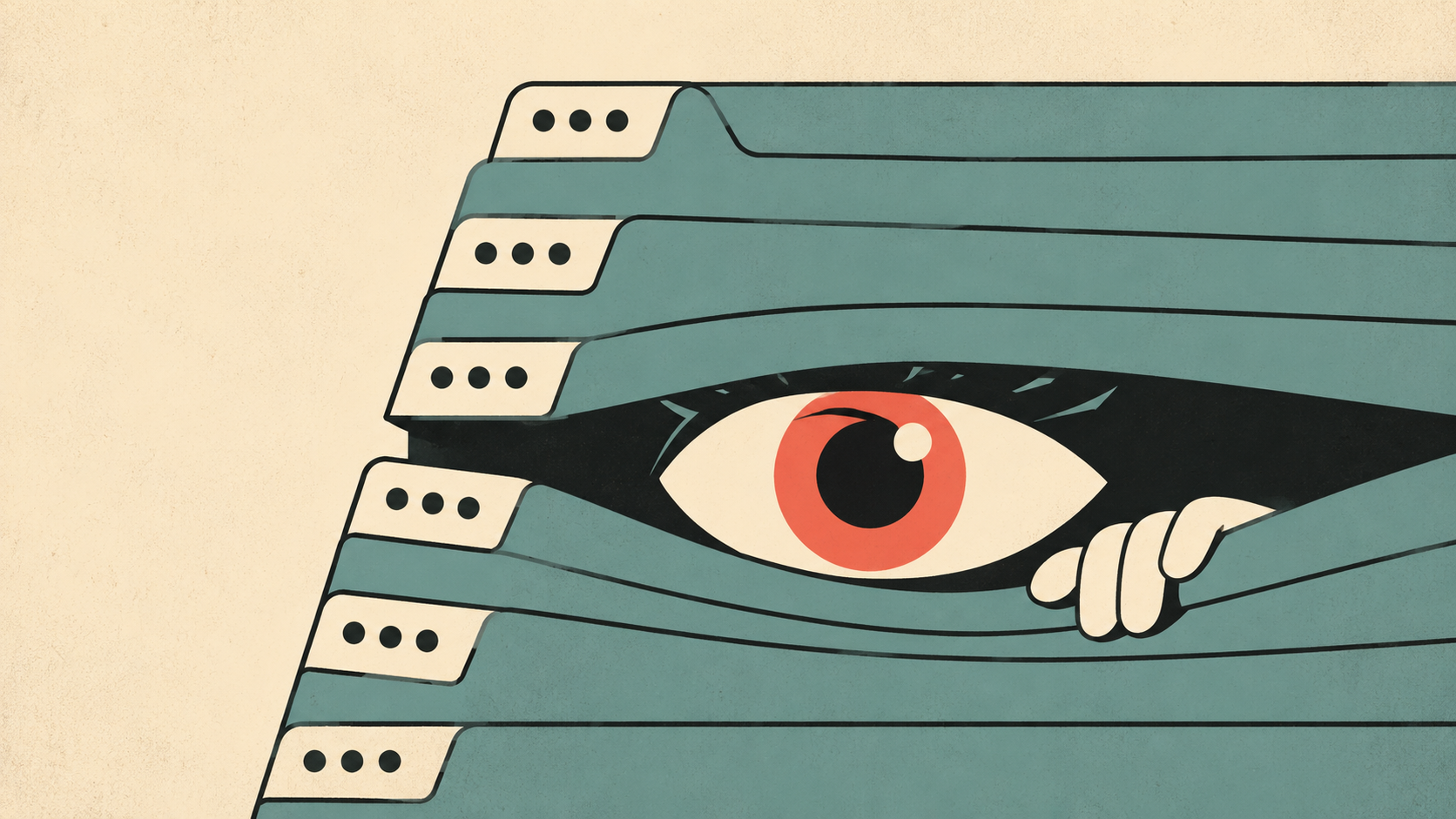
Yes — Canvas can tell when you click away from a quiz, but it can't see where you went. Every Canvas quiz keeps a log, and the moment you switch tabs or click outside the quiz window, that log records "Stopped viewing the Canvas quiz-taking page." When you come back, it records "Resumed." Your instructor can open that log for any student, any quiz, no proctoring software required.
What Canvas cannot do is see the contents of other tabs, read your screen, detect screenshots, or see what apps you have open. Canvas is a website running in one browser tab — it has no more access to your computer than any other website does.
Here's exactly what Canvas can and can't detect, based on how the platform actually works in 2026.
What Canvas CAN Detect
Tab switching during a quiz. This is the big one. The quiz page uses your browser's focus events: the instant the quiz tab loses focus — because you switched tabs, clicked another window, or minimized the browser — the quiz log timestamps it. A log full of "stopped viewing / resumed" entries every 30 seconds looks exactly like what it is.
How long you spent on each question. Quiz logs show when you viewed and answered each question, so unusual patterns (answering a hard question 4 seconds after a 2-minute absence) stand out.
Answer changes. The log records every time you select, deselect, or change an answer.
Your general activity in the course. Canvas analytics show instructors when you logged in, what pages you viewed, and what you submitted — across the whole course, not just quizzes.
What Canvas CANNOT Detect
What's in your other tabs. Canvas knows you left; it has no idea whether you went to Google, ChatGPT, or your email. Browsers do not expose other tabs' contents to a website.
Screenshots. Taking a screenshot happens at the operating-system level. A webpage has no way to know you pressed Cmd+Shift+4 or PrtScn. Canvas cannot detect screenshots — full stop.
Split screen or a second monitor. If the quiz tab stays focused and visible, having another window beside it doesn't fire any event. Canvas can't see your screen layout or that a second display exists.
A second device. Your phone sitting next to your laptop is invisible to Canvas.
Browser extensions. Canvas cannot enumerate the extensions installed in your browser. An extension that works as an overlay inside the same tab — like SnapGPT — never takes focus away from the quiz, so nothing appears in the quiz log at all.
Copy and paste (in classic quizzes). Regular Canvas quizzes don't log clipboard activity. Some proctoring add-ons do, which brings us to the important exception.
The Exception: Proctoring Software Changes Everything
Everything above describes plain Canvas. If your instructor added a proctoring tool, the rules change completely:
- Respondus LockDown Browser replaces your browser entirely — no tabs, no extensions, no apps.
- Honorlock and Proctorio record your screen, webcam, and microphone, and flag tab switches, extra monitors, and even phone use they see on camera.
You can tell proctoring is active before you start: Canvas will force you to launch the special browser or grant screen/camera permissions. A normal Canvas quiz never asks for any of that. If the quiz opened in your regular browser with no permission prompts, only the quiz log described above applies.
So How Do Students Use AI Without Switching Tabs?
Since the only thing a normal Canvas quiz reliably logs is losing focus, the whole game is staying in the tab. That's exactly why screenshot-based AI extensions took over from the old copy-paste-into-ChatGPT workflow:
- SnapGPT runs as a small overlay inside the quiz tab itself.
- You hit a hotkey, snap the question region, and the answer appears in the overlay — the quiz page never loses focus.
- The quiz log shows one continuous session: no "stopped viewing," no gaps.
It works on multiple choice, math, and short answer, and it runs on Chrome and Firefox. We wrote a full walkthrough here: How To Use SnapGPT On a Canvas Quiz Without Switching Tabs.
Quick Reference Table
| Action | Can Canvas detect it? |
|---|---|
| Switching tabs | Yes — logged as "stopped viewing" |
| Opening another browser window | Yes — same focus event |
| What's inside other tabs | No |
| Screenshots | No |
| Split screen (quiz stays visible) | No |
| Second monitor | No |
| Phone or second device | No |
| Installed browser extensions | No |
| Copy/paste (classic quiz) | No |
| Any of the above with LockDown Browser / Honorlock / Proctorio | Yes — assume everything is visible |
The Bottom Line
Canvas sees exactly one thing during an unproctored quiz: whether its tab has your focus. It can't read your screen, your tabs, your clipboard, or your extensions. That's why tab-switching to ChatGPT gets students flagged, while on-screen tools that keep the quiz focused don't generate a single log entry.
If you want instant answers without ever leaving the page, try SnapGPT free — screenshot any question, get the answer in the same tab, in seconds.