You open Quizlet to run through your flashcards before an exam. Five rounds in — boom. Paywall. "Upgrade to Plus to keep studying."
That's the moment a lot of students finally start looking for something better.
Since 2022, Quizlet has steadily moved its most useful features behind a subscription. Learn mode, Test mode, and Write mode — things students had relied on for free for years — are now capped or locked behind Quizlet Plus at $35.99/year. Student frustration has been loud and consistent. One Trustpilot reviewer summed it up plainly: "Things that used to be free are locked behind paywalls, and the website feels like a shell of itself."
The good news: you have excellent alternatives, including one that does what Quizlet never could.
Here's what's actually worth your time.
What to Look for in a Quizlet Alternative
Before jumping into the list, it helps to know what actually makes a study tool worth using:
- Real spaced repetition — not just flashcards, but an algorithm that surfaces material at the right time
- Frictionless card creation — the faster you can get your notes into a reviewable format, the better
- A generous free tier — students shouldn't have to pay to study effectively
- Depth beyond memorization — the best tools help you understand, not just recall
Keep those criteria in mind as we walk through each option.
1. SnapGPT — AI-Powered Study That Starts From Your Actual Materials 🤖
Best for: students who want instant answers from any source — notes, slides, screenshots, or text
Every other tool on this list still asks you to do the heavy lifting of getting your material into the app. SnapGPT starts from a different place entirely.
SnapGPT is an AI-powered Chrome extension and web app that lets students get answers and explanations directly from screenshots and text. You screenshot your notes, a textbook page, or a problem set — and SnapGPT understands what's on it and gives you an instant, clear explanation. No typing required. No copying and pasting. No reformatting.
For students juggling dense course material, this is the gap that traditional flashcard apps simply don't fill. You don't always need a deck of cards — sometimes you need to understand why something works before you can memorize it. That's where SnapGPT delivers.
What makes SnapGPT different from everything else on this list:
- Works directly from your existing study material — slides, PDFs, notes, screenshots
- Gives contextual explanations, not just definitions
- No manual card creation, ever
- Free tier available, with Plus for power users
- Works on Canvas, Google Classroom, and virtually any platform you study on
The other tools below are purpose-built for memorization. SnapGPT is built for understanding. And understanding is what produces grades, not card counts.
If you're already using a platform like Canvas, you can pair SnapGPT with your existing workflow — check out our guide on getting AI answers on any quiz or assignment to see exactly how it works in practice.
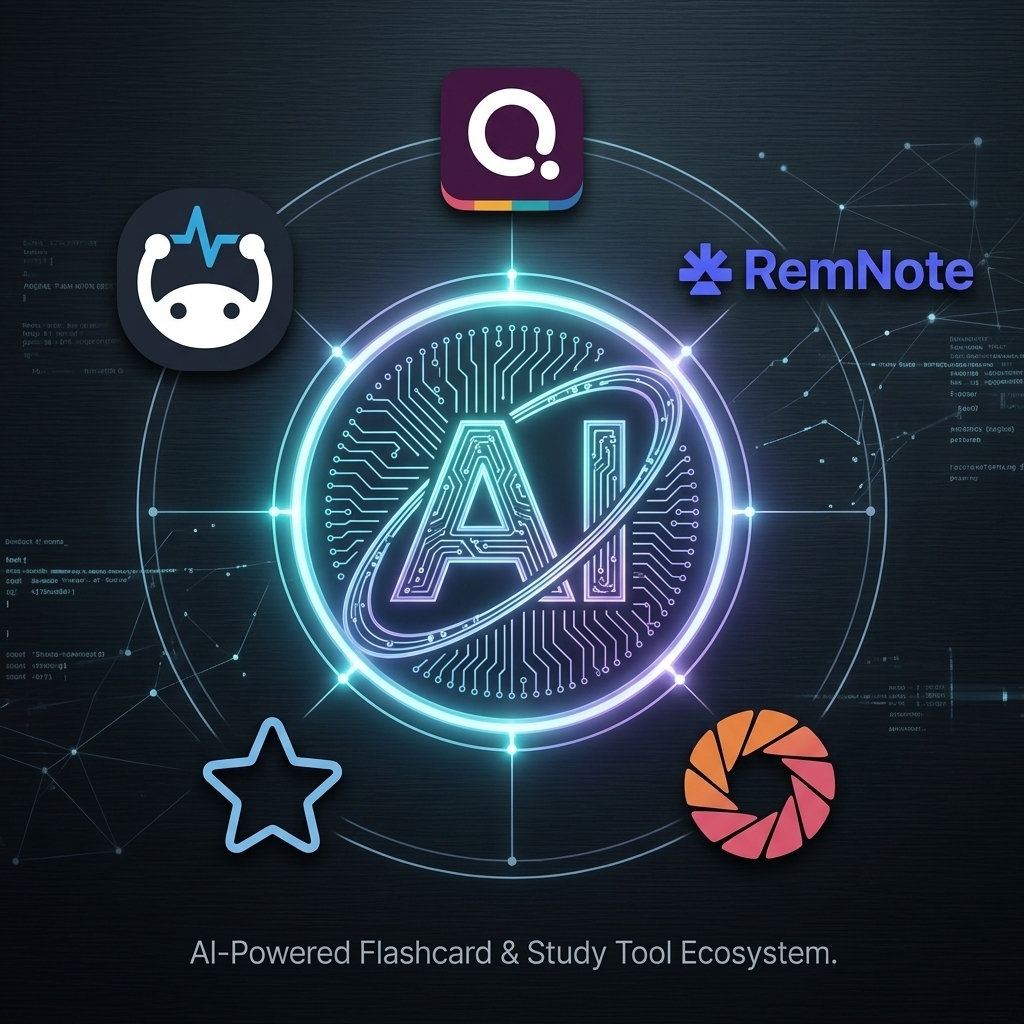
2. Anki — The Gold Standard for Spaced Repetition
Best for: serious learners building long-term retention (med students, language learners, standardized test prep)
Anki is the closest thing the study tool world has to a canonical answer. It's free, open-source, and has been refined over nearly two decades. Medical students swear by it. Language learners run entire vocabulary systems on it.
The algorithm is what makes it different. Anki uses a sophisticated spaced repetition engine that tracks three values for every card: retrievability (your likelihood of recalling it), stability (how long until that likelihood drops), and difficulty (how intrinsically hard the material is). The result is a system that learns your memory patterns and adjusts accordingly.
Where Anki genuinely wins:
- Completely free on desktop and Android (iOS app is paid, supports development)
- Massive community with shared decks across every conceivable subject
- Handles 100,000+ card collections without breaking
- Supports audio, images, videos, and scientific markup in cards
- Syncs across all devices via AnkiWeb
The honest trade-off: Anki's interface is functional, not friendly. Creating cards is a deliberate, manual process. If you want to extract every ounce of retention value from your study time and you're willing to put in the setup, Anki is unmatched. If you want something faster to get into, look elsewhere first.
3. RemNote — Notes and Flashcards in One Workflow
Best for: students who want to take notes and create flashcards at the same time, without switching apps
The biggest failure point in most flashcard workflows is the gap between taking notes and creating cards. Students write lecture notes, then have to sit down later and convert them into a separate study deck. By the time they do, half the context is lost.
RemNote solves this structurally. It's a note-taking app where notes become flashcards. You type a concept like The capital of France is ::Paris:: and RemNote instantly creates a flashcard from it. You never leave your notes to build a deck.
The spaced repetition system runs on the same FSRS algorithm used by the Anki community — one of the most accurate schedulers available. RemNote reports that 89% of its users experience less exam stress after switching.
What stands out:
- Turn notes into flashcards with a simple keyboard shortcut — no separate workflow
- Robust free plan: unlimited notes and flashcards, spaced repetition, PDF annotation, mobile sync
- Pro is $6/month for students
- Image occlusion cards for anatomy, geography, or diagram-heavy subjects
- FSRS algorithm support can reduce daily review volume by 20–30% at the same retention level
The honest trade-off: RemNote has a learning curve. The double-colon syntax, bi-directional linking, and knowledge graph features are powerful — but they take time to internalize.
4. Brainscape — Smarter Repetition Through Confidence Rating
Best for: students who want a polished, accessible flashcard experience with guided review timing
Brainscape takes a different approach to spaced repetition. Instead of a purely algorithmic schedule, it uses Confidence-Based Repetition (CBR). After you review each flashcard, you rate your confidence on a 1–5 scale. Brainscape uses that self-assessment to determine how frequently to resurface the card.
Brainscape also maintains what it calls the Knowledge Genome — a massive library of expert-curated flashcard decks covering AP courses, the MCAT, USMLE, bar exam prep, language learning, and hundreds of other subjects. If your subject is in there, you can skip card creation entirely.
What stands out:
- Confidence-based rating system makes repetition feel natural and less mechanical
- Creating, sharing, and studying your own cards is free
- Large expert-certified deck library across academic and professional subjects
- Clean, cross-platform experience (web, iOS, Android)
- AI-powered card creation from PDFs, notes, and images
The honest trade-off: Brainscape Pro runs $95.99/year for full access to premium decks and advanced features. The free tier is genuinely usable, but the most polished content sits behind the paywall.
5. Quizizz — Gamified Review That Actually Keeps You Engaged 🎮
Best for: students who study better when there's competition, leaderboards, and something at stake
Memoization is boring. For some students, the best study tool is simply the one they'll actually open. Quizizz understands this, and it's built an entire platform around making review feel like a game.
Quizizz turns quiz-taking into a live competitive experience — leaderboards, power-ups, avatars, and immediate feedback on every answer. It's less a replacement for spaced repetition and more a high-engagement complement to it.
Quizizz has also meaningfully expanded its AI capabilities. You can upload a document, paste text, or link to a source and have Quizizz auto-generate relevant quiz questions from it. The platform adapts question difficulty based on your performance in real time.
What stands out:
- Engaging, gamified quiz format that reduces study fatigue
- Free to use with a large library of community-created quizzes
- AI-powered question generation from your own materials
- Live and self-paced modes — works solo or in a group
- Leaderboards and competitive mechanics that some students find genuinely motivating
The honest trade-off: Quizizz is best for retrieval practice, not building understanding. For subjects that demand deep comprehension, pair it with another tool on this list — or with SnapGPT for instant explanations when you get a question wrong.
How These Tools Stack Up
| Tool | Core Strength | Free Tier | Best For |
|---|---|---|---|
| SnapGPT | AI answers from any material | ✅ | Instant understanding, screenshots |
| Anki | Maximum retention, long-term | ✅ (desktop) | Med students, language learners |
| RemNote | Notes → flashcards in one flow | ✅ | Heavy note-takers |
| Brainscape | Confidence-based repetition | ✅ (limited) | Polished, guided review |
| Quizizz | Gamified quiz review | ✅ | Engagement, competitive study |
The Real Question: What Kind of Studier Are You?
- Building long-term retention across thousands of cards? → Anki or RemNote
- Want your notes and study sessions in one place? → RemNote
- Learn better when there's something at stake? → Quizizz
- Want expert-curated decks with minimal setup? → Brainscape
- Want to actually understand your course material faster? → SnapGPT
Most students don't fail exams because they didn't make enough flashcards. They fail because they didn't understand the material well enough to recall it under pressure. SnapGPT closes that gap faster than anything else on this list.
And if you're studying on a specific platform like Canvas or Google Classroom, SnapGPT works seamlessly there too — our answer key finder guide walks through exactly how to use it to get unstuck on any question in seconds.
Ready to Study Smarter?
Pick one tool from this list and use it for your next real study session — not a test run, an actual exam prep session.
If you want to accelerate your understanding of complex material without the setup overhead of any flashcard app, try SnapGPT free at snapgpt.me. Screenshot your next lecture PDF or problem set and see what it feels like to study with AI that actually keeps up with you.
The goal isn't more flashcards. It's actually knowing the material.