The Best AI Math Solver: Solve Any Problem on Your Screen Instantly
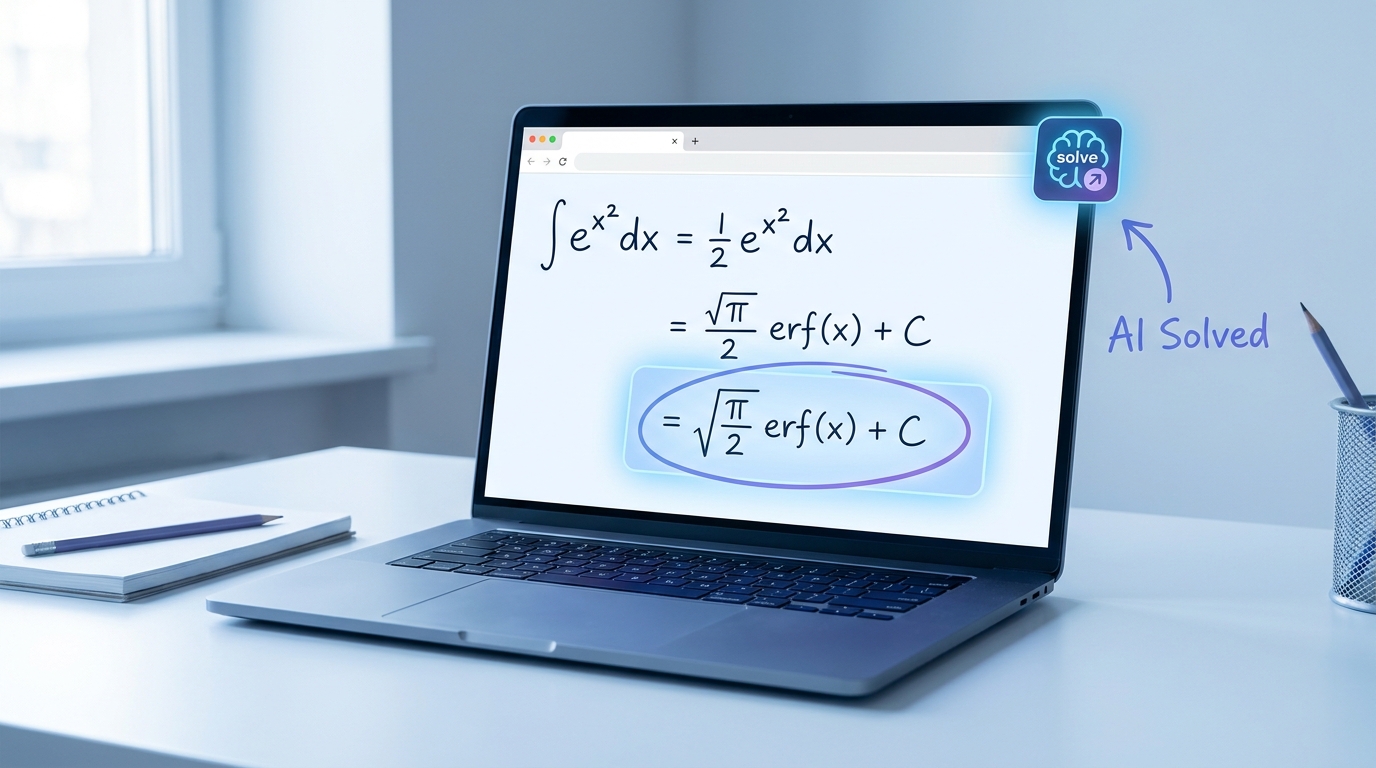
Stuck on a math problem and tired of retyping it into a slow solver website? An AI math solver should do the hard part for you — read the problem, work it out, and hand back the answer. SnapGPT does exactly that, right inside your browser: click one button, and it reads whatever math is on your screen and solves it in seconds. No typing, no tab switching, no copying equations by hand.

It's easier to show you than to tell you, so take a look:
What Makes SnapGPT a Great AI Math Solver
Most math solvers make you do the tedious part: photograph a worksheet, crop it, or retype an equation symbol by symbol. SnapGPT skips all of that. It's an AI math solver built as a browser extension, so it works on whatever is already on your screen — a quiz question, a homework portal, a PDF, a practice test — the moment you need it.
Under the hood it runs on advanced reasoning models (Claude Sonnet 4.6 and GPT-5.4), so it handles far more than basic arithmetic:
- Equations and algebra — solve for x, systems of equations, factoring, and simplification.
- Word problems — it reads the full prompt and reasons through it, not just the numbers.
- Graphs, tables, and diagrams — it interprets the image, not only text.
- Multi-part questions — capture several screenshots and send them together.
You get either a quick final answer or a complete, step-by-step written solution — your choice, controlled by how you click.
How to Install SnapGPT (Takes Less Than a Minute)
- Go to the Chrome Web Store and search "SnapGPT," or use the direct install link for Chrome or Firefox.
- Click Add to Chrome (or Add to Firefox) and confirm.
- Pin the SnapGPT icon to your toolbar by clicking the puzzle-piece icon in your browser and selecting the pin next to SnapGPT.
- Click the icon, sign up with your email, and verify your account through the confirmation email.
That's it — you now have a fully functional AI math solver living right inside your browser.
How to Solve a Math Problem With SnapGPT
Once it's installed and you're signed in, solving a math problem is stupidly simple:
- Open the page with your math problem — a quiz, worksheet, or homework portal.
- Click the floating 📸 button in the bottom-left corner of the screen (or press Alt+Shift+X on Windows, Option+Shift+X on Mac).
- SnapGPT captures what's on screen and analyzes it.
- Your answer appears in a popup within seconds.
If the problem requires shown work, not just a final number, hold Cmd (Mac) or Ctrl (Windows) while clicking the button to force a full written explanation instead of just an answer letter. SnapGPT will stream a complete, step-by-step solution you can copy directly into your answer box.
Got a long word problem that doesn't fit on one screen? Hold Option/Alt and click to queue up to 3 screenshots, then click normally to send them all together — SnapGPT reads the whole problem at once.
Solve Discreetly When You Need To
A big reason students prefer SnapGPT over other AI math solvers is that it's designed to stay out of sight when you need it to.
- Subtle Mode shrinks and hides the floating button.
- Transparent Button makes it completely invisible — it's still fully functional, you just can't see it. Use the keyboard shortcut Alt+Shift+X to trigger it without ever clicking anything visible.
- Answer in URL Bar displays your answer briefly in the address bar instead of an on-screen popup, so nothing visibly pops up on your screen at all.
You can turn all of this on in Settings → Appearance → Subtle Mode. It takes ten seconds to configure and makes SnapGPT nearly impossible to notice.
SnapGPT vs. Other AI Math Solvers
Photo-based apps and standalone solver sites all make you leave what you're doing to go get an answer. SnapGPT meets the problem where it already is — on your screen.
| AI math solver | How you enter the problem | Works on a live quiz | Free tier |
|---|---|---|---|
| SnapGPT | One click reads your screen | Yes — no upload, no tab switch | 5 solves/day, free forever |
| Photomath | Point your phone camera at paper | No — phone only | Limited |
| Mathway | Retype the equation | No — separate site | Answer only; steps paid |
| Symbolab | Retype the equation | No — separate site | Limited steps |
The takeaway: if your math lives on a screen — a Canvas quiz, an online worksheet, a homework platform — a screen-reading AI math solver is simply faster than a camera app or a copy-paste website.
Free vs. Plus: What You Get
SnapGPT's Free plan gives you 5 AI math solver requests per day, forever, at no cost. That's plenty for occasional homework help, and it makes SnapGPT one of the few genuinely free AI math solvers that isn't crippled behind a paywall.
If you're solving math problems constantly — nightly homework, practice tests, timed quizzes — Plus gives you unlimited requests, unlimited AI chat messages, and access to more advanced reasoning models, starting at just $7.49/month billed annually. You can compare full plan details on the pricing page.
More Than Just Math
While SnapGPT shines as an AI math solver, it doubles as a full AI chatbot at sgpt.chat for essay help, studying, and general questions — and it works great alongside other study tools. If you're building out flashcards and practice sets too, check out our breakdown of Quizlet alternatives that pair well with SnapGPT's instant-answer approach. And if your school uses Canvas, our guide to the free Canvas hack extension walks through even more discreet, one-click workflows.
Get Started Now
Stop wasting time retyping math problems into slow solver websites. Install SnapGPT, click one button, and get your answer — instantly, discreetly, and for free. Try it now and see why it's quickly becoming the go-to AI math solver for students everywhere.