You Shouldn't Have to Leave the Page to Get Help
Here's a scenario every student knows too well: you're mid-quiz on Canvas, you hit a question that stumps you, and suddenly you're juggling five browser tabs — Google, ChatGPT, your textbook PDF, your notes, and somehow a YouTube video you didn't mean to open. By the time you find an answer, you've lost your focus, your flow, and probably a few precious minutes on a timed exam.
What if the AI just... came to you?
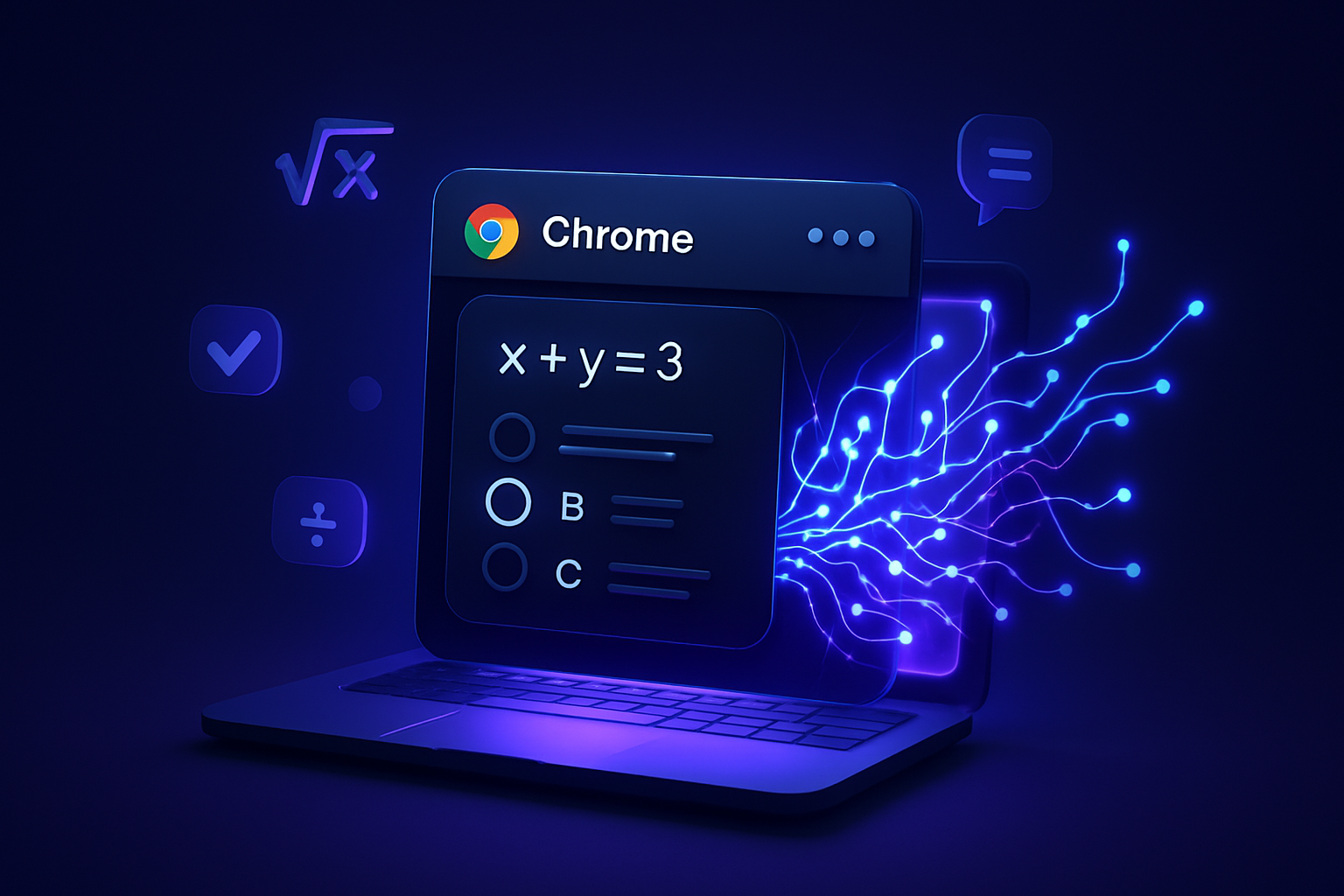
That's exactly what SnapGPT does. It's a Chrome extension that brings powerful AI assistance directly into any webpage — including Canvas, Blackboard, and Google Classroom — so you never have to leave the page you're working on. One click (or one keyboard shortcut), and you've got an AI analyzing exactly what's on your screen.
Let's break down how it works.
What Is SnapGPT?
SnapGPT is an AI-powered browser extension that lives quietly in your Chrome browser until you need it. It adds a small floating button to every webpage you visit. When you're staring at a tough multiple-choice question, a dense reading passage, or a confusing assignment prompt, SnapGPT is one click away from helping you understand it.
No copy-pasting. No tab-switching. No losing your place.
Key Features That Make SnapGPT Different
📸 One-Click Screenshot Analysis
The core feature is beautifully simple: a floating button sits on your screen (you can customize where). Click it — or press Alt+Shift+X — and SnapGPT instantly captures your screen and sends it to the AI.
For multiple-choice questions, the AI identifies the most likely correct answer and explains why. For open-ended questions or essay prompts, it streams a full, thoughtful response right in the popup — no waiting, no loading screens.
This works on Canvas quizzes, Blackboard exams, Google Classroom assignments, practice tests, and honestly, any webpage with content on it.
✂️ Area Selection Mode
Sometimes you don't want to send your entire screen to the AI — maybe there are other questions visible, or you just want to focus on one specific diagram or paragraph.
Shift+click the SnapGPT button and your cursor transforms into a crosshair. Drag to select exactly the region you want analyzed. The AI only sees what you show it. Clean, precise, and fast.
🖱️ Right-Click Text Analysis
No screenshot needed for this one. Highlight any text on a webpage, right-click, and select "Analyze with SnapGPT" from the context menu. The AI immediately processes the selected text and returns an explanation, summary, or answer.
This is perfect for: - Dense textbook passages you need simplified - Vocabulary or concepts you don't recognize - Long assignment instructions you want broken down - Reading comprehension questions where you've already found the relevant paragraph
🤖 Model Selection
SnapGPT doesn't lock you into one AI. You can choose from: - Claude Sonnet 4.6 — excellent for nuanced reasoning and longer explanations - GPT-5.2 — OpenAI's latest, great for a wide range of academic subjects - OpenRouter — access to a variety of models depending on your needs
Different questions call for different tools. SnapGPT lets you pick the right one.
🕵️ Stealth Mode
Want to keep things discreet? Enable Stealth Mode to make the floating button completely invisible. The keyboard shortcut Alt+Shift+X still works perfectly — you get all the functionality with zero visual footprint on your screen.
🎨 Configurable UI
SnapGPT is built to fit your workflow, not the other way around. You can customize: - Popup position — top, bottom, left, right — wherever feels natural - Auto-dismiss timer — the response panel closes automatically after a set time - Button size and transparency — make it as subtle or as prominent as you like
Real Students, Real Scenarios
Scenario 1 — The Canvas Quiz Crunch
Marcus has a 30-minute Canvas quiz for his Intro to Psychology class. He's cruising through the questions until he hits one about the difference between classical and operant conditioning — he knows he studied this, but the wording is throwing him off. He presses Alt+Shift+X, SnapGPT captures the question, and within seconds he's reading a clear breakdown of both concepts with the correct answer highlighted. He moves on without breaking his rhythm.
Scenario 2 — The Dense Reading Assignment
Jasmine is working through a 20-page PDF on her Blackboard course page for her Political Theory class. She highlights a particularly confusing paragraph about Rawls' veil of ignorance, right-clicks, and selects "Analyze with SnapGPT." The AI gives her a plain-English explanation in about 10 seconds. She annotates her notes and keeps reading. What would have been a 15-minute detour took less than a minute.
⚠️ Is This Cheating?
Let's be honest about this — because it's worth talking about.
SnapGPT is a tool. Like a calculator, a dictionary, or Google, how you use it is entirely up to you — and entirely your responsibility.
Using AI to understand a concept, check your reasoning, or get unstuck on a confusing question is a legitimate study strategy. Using it to blindly copy answers on a graded assessment without engaging with the material is a different choice — one that undermines your own learning and may violate your school's academic integrity policy.
We built SnapGPT to help students learn faster and more effectively. We trust you to use it in a way that aligns with your own values and your institution's guidelines. If your professor says no AI on an exam, respect that. If you're using it to study, practice, and genuinely understand the material — that's exactly what it's here for.
The tool is neutral. The intention matters.
How to Install SnapGPT
Getting started takes about 60 seconds:
- Visit snapgpt.me
- Click the link to the Chrome Web Store
- Hit "Add to Chrome"
- Pin the extension to your toolbar
- Start using it on any webpage — Canvas, Blackboard, Google Classroom, wherever you need it
That's it. No account required to get started.
Use Cases at a Glance
- 📝 Canvas quizzes — get explanations for tricky MCQs
- 📚 Blackboard exams — analyze questions without leaving the page
- 🔍 Reading comprehension — simplify dense academic text instantly
- 🧪 Practice tests — use it as a study partner to check your answers
- 🃏 Flashcards — highlight terms and get instant definitions or explanations
- 📄 Assignment prompts — break down complex instructions into clear action steps
Frequently Asked Questions
Does SnapGPT work on Firefox? Currently, SnapGPT is available as a Chrome extension only. Firefox support is something we're exploring for a future release. For now, you'll need Google Chrome or a Chromium-based browser like Brave or Edge.
Is SnapGPT free? SnapGPT offers a free tier so you can try it out and see if it fits your workflow. Visit snapgpt.me for the latest information on plans and pricing.
Does it work on timed quizzes? Yes — and this is one of its biggest advantages. Because SnapGPT operates as an overlay on your current page, you never navigate away. Your quiz timer keeps running normally, and you stay on the same page the entire time.
Which AI models does it support? SnapGPT currently supports Claude Sonnet 4.6, GPT-5.2, and OpenRouter (which gives you access to a range of additional models). You can switch between them in the extension settings.
Will my school's LMS detect it? SnapGPT doesn't interact with or modify the LMS itself — it simply overlays on top of your browser. That said, some institutions use proctoring software that monitors screen activity. Always be aware of your exam environment and your school's policies.
The Bottom Line
SnapGPT is what AI-assisted studying should feel like: fast, frictionless, and built around how students actually work. Whether you're grinding through a Canvas quiz, trying to decode a confusing reading, or just want a smarter way to study, it brings the AI to you — right where you need it, right when you need it.
Ready to try it? Head to snapgpt.me and add it to Chrome in under a minute. Your next study session just got a whole lot smarter.