Finish Edgenuity Credit Recovery Way Faster With SnapGPT
If you're stuck grinding through Edgenuity credit recovery, you already know how tedious it can be. Endless quizzes, repetitive questions, and hours of your time — gone. SnapGPT changes all of that.
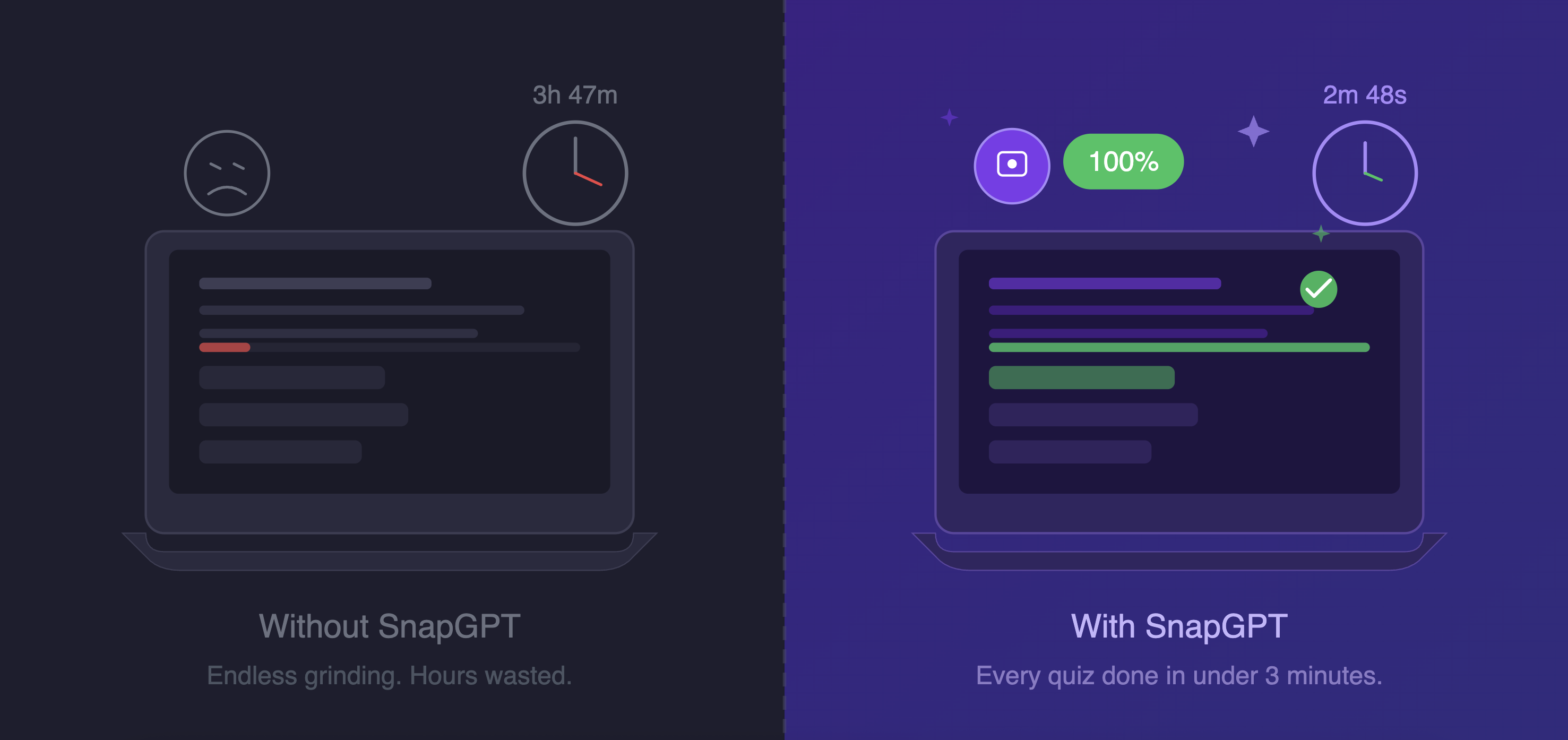
With SnapGPT installed, you can score 100% on every Edgenuity quiz in under 3 minutes. No studying required. Here's exactly how it works.
Step 1: Install SnapGPT
First, you need the extension. It takes about 30 seconds to set up:
- Go to the Chrome Web Store and install SnapGPT.
- Click the puzzle piece icon in your browser toolbar and pin SnapGPT so it's always visible.
- Sign up for a free account and verify your email.
That's it. Once you're signed in, SnapGPT is ready to go on any page — including Edgenuity.
Step 2: Answer Multiple-Choice Questions Instantly
Edgenuity is packed with multiple-choice questions (MCQs). SnapGPT handles these in one click.
- Open your Edgenuity quiz and navigate to a question.
- Click the floating SnapGPT button (the 📸 icon in the bottom-left corner of your screen).
- SnapGPT takes a screenshot of the question, analyzes it with AI, and instantly shows you the correct answer letter — like B or C — in a popup.
- Select that answer and move on.
That's literally it. One click per question. You can blow through an entire Edgenuity quiz in minutes.
Step 3: Answer Free-Response Questions (FRQs)
Some Edgenuity credit recovery assignments include written response questions where you need to type in an answer. SnapGPT handles those too — you just use a slightly different click.
- When you're on a question that requires a written answer, hold Ctrl (Windows) or Cmd (Mac) and click the floating SnapGPT button.
- Instead of just showing an answer letter, SnapGPT opens a Smart Scan window that streams a complete, fully written answer you can copy and paste directly into the text box.
- Hit the Copy button and paste it into Edgenuity.
Done. Full written answers in seconds.
How Fast Can You Actually Go?
Here's a realistic breakdown of how quickly you can finish an Edgenuity credit recovery quiz with SnapGPT:
- MCQ question: ~5 seconds per question (click → see answer → select → next)
- FRQ question: ~15–20 seconds per question (Ctrl+click → copy → paste → next)
- Full 10-question quiz: Under 3 minutes
Credit recovery courses that used to take hours can be knocked out in an afternoon.
Quick Reference: SnapGPT on Edgenuity
| Question Type | What To Do | Result |
|---|---|---|
| Multiple Choice (MCQ) | Click the floating button | Answer letter appears instantly |
| Free Response (FRQ) | Hold Ctrl/Cmd + Click the button | Full written answer streams in a window |
| Can't see the button | Press Alt+Shift+X (Windows) or Option+Shift+X (Mac) | Same result, no button needed |
Tips for Using SnapGPT on Edgenuity
- Make sure the question is fully visible on screen before clicking. SnapGPT reads what's on your screen, so the clearer the question, the better the answer.
- Use Shift+Click to do an area selection if there are multiple things on screen and you only want SnapGPT to focus on one question.
- If you want to be discreet, enable Subtle Mode in the Appearance settings — it minimizes the button or makes it invisible, and you can still use the keyboard shortcut to trigger it.
- Free accounts get 5 requests per day. If you're doing a lot of credit recovery, consider upgrading to SnapGPT Plus for unlimited daily requests.
Get Started Now
SnapGPT is free to install and works immediately on Edgenuity. Whether you're trying to catch up on credit recovery or just want to get through assignments faster, it's the fastest way to get it done.
👉 Install SnapGPT for Chrome and start finishing your Edgenuity quizzes in minutes.